Account alerts
What Is a VPN? (2026) Simple Guide — What It Does & Doesn't
What is a VPN in plain English? What it protects on public Wi-Fi, what it cannot stop (phishing, malware), and habits that matter more than VPN ads.
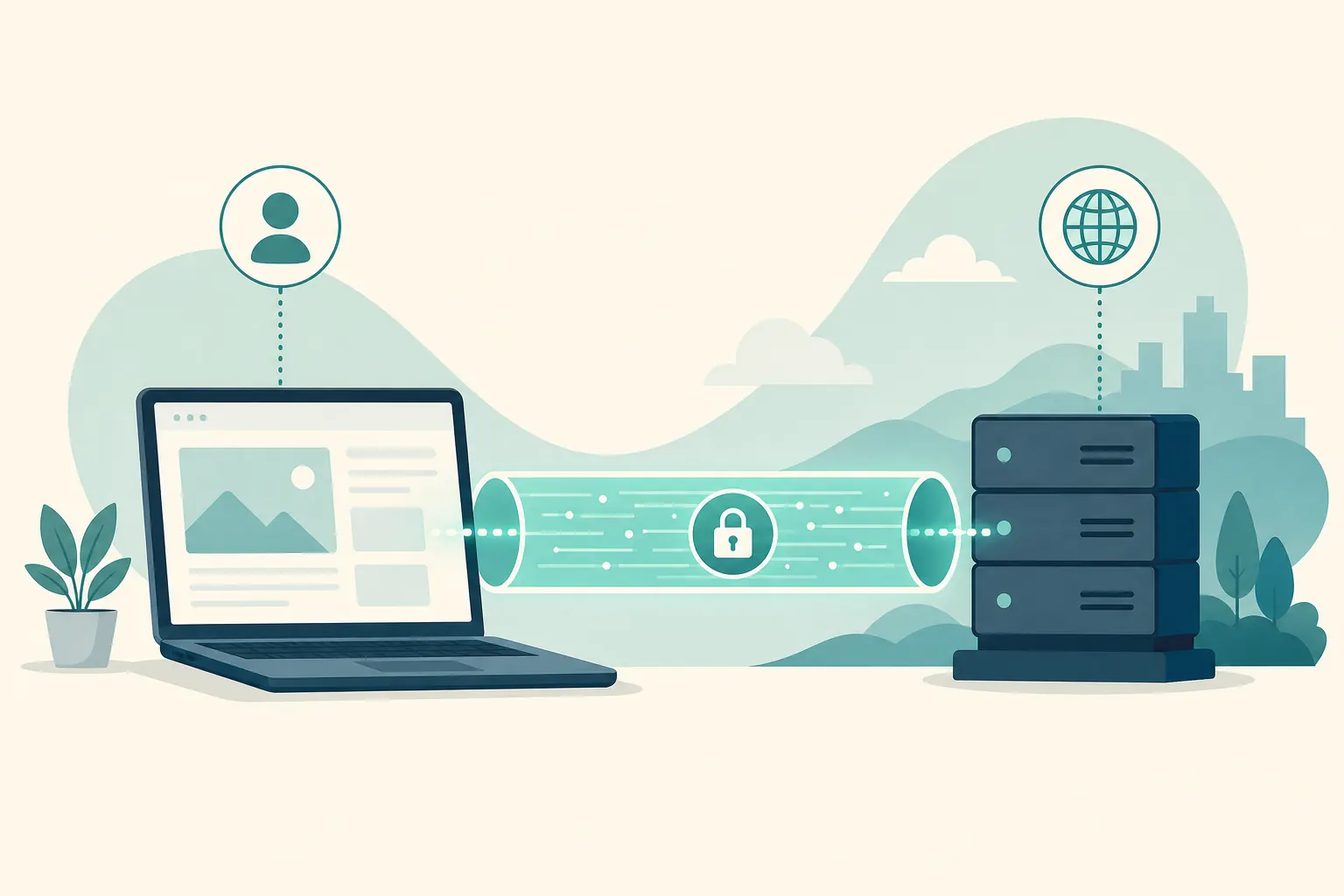
Short answer: A VPN (Virtual Private Network) encrypts traffic between your device and a VPN server. That helps on rough public Wi‑Fi and can hide some local-network snooping. It does not stop phishing, bad passwords, or malware. Marketing often oversells it. For login safety, you still need a password manager and 2FA.
This is an education guide, not a “best VPN” sales ranking. The useful question is not “Do I need the loudest VPN ad?” It is “What problem am I trying to solve, and what does a VPN actually change?”
What a VPN does (plain English)
- Encrypting traffic on untrusted networks (like public Wi‑Fi)
- Hiding your traffic from the local network operator in many cases
- Changing the apparent network location to the VPN server’s region (with limits)
- Adding a privacy boundary between your device and the local cafe, hotel, or airport network
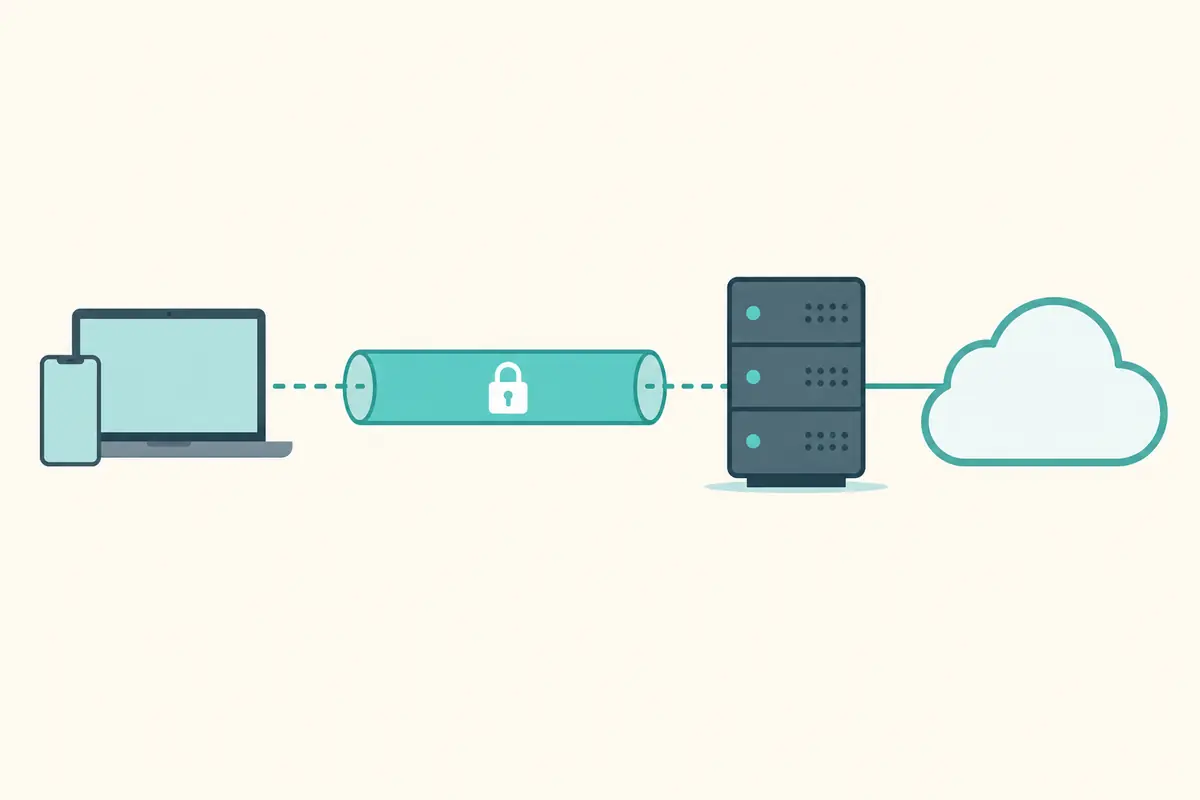
In simple terms, your device talks to the VPN server through an encrypted tunnel. The local network mostly sees a connection to the VPN, not the full clear list of every site and service inside that tunnel. On the internet side, many services see the VPN server’s address rather than your cafe Wi‑Fi address.
That is useful. It is also narrower than “invisible and unhackable.”
How a VPN works (plain-language version)
Your device, the tunnel, and the exit
Without a VPN, your laptop requests websites through the local network path more directly. With a VPN client turned on, traffic is packaged and encrypted to a server run by the VPN provider. From that server, traffic continues to the wider internet.
What local observers can and cannot easily see
On many public networks, a local eavesdropper’s view of your activity shrinks when the tunnel is up. They may still see that you are using a VPN and how much data you move. They generally should not see the contents of the tunneled traffic.
What the VPN provider can see
This part gets skipped in ads. When you use a VPN, you are shifting trust. Instead of the cafe Wi‑Fi operator seeing as much, the VPN service sits in a privileged spot on the path. That is why provider reputation, policy, and engineering quality matter.
Location shifting has limits
Connecting through a server in another region can change the apparent network location for some sites and services. It is not a magical identity cloak, and websites can still identify you after login through cookies, accounts, and fingerprints unrelated to the cafe Wi‑Fi address.
What a VPN does not magically solve
- Phishing and fake websites
- Malware you install yourself
- Weak or reused passwords
- Sharing OTPs with scammers
- A compromised device
- Scams delivered through email, texts, or social apps
- Someone who already knows your login because you reused a breached password
A VPN can be part of a privacy toolkit. It is not a substitute for account security, update hygiene, or scam awareness. If your browser visits a fake bank site and you type the password, the tunnel happily encrypts that mistake all the way to the wrong destination.
Common mistakes people make with VPNs
Treating a VPN as antivirus
Different jobs. Malware scanning and VPN tunneling solve different problems. You can need neither, one, or both depending on your situation — but one does not replace the other.
Using any random free VPN
“Free” can mean a good limited tier from a known company, or it can mean a product that monetizes poorly via weak privacy practices. Unknown free clients are a trust problem, not a bargain automatically.
Turning a VPN on once and assuming the laptop is “secured”
A VPN protects a network path while it is working. It does not patch your OS, invent strong passwords, or detect a romance-scam payment request.
Ignoring leak scenarios
If the VPN disconnects and your device silently continues on the open network, you may lose the protection you thought you had. That is why some people enable a kill switch when they rely on a VPN on rough networks.
Expecting a VPN to hide activity from the sites you log into
Once you sign into email, social media, or banking, those services know who you are by account. A VPN does not erase logged-in identity.
Practical safety habits that matter more than VPN ads
- Unique passwords + password manager
- 2FA on important accounts
- Careful link checking
- Official apps/bookmarks for banking
- Device updates
- App permissions and phishing skepticism on public Wi‑Fi and at home
- Knowing when not to handle sensitive tasks on a shared or untrusted computer
If you only have energy for a few habits, password uniqueness and 2FA usually prevent more real-world account takeovers than a VPN alone. Add a VPN when you frequently use networks you do not trust.
When a VPN is especially useful
Public Wi‑Fi you do not control
Airports, cafes, hotels, and conference networks vary wildly in quality. A reputable VPN reduces how much the local network path can inspect while you work.
Networks where you want less local visibility
You may simply prefer that the local operator see less of your destination list. That preference is legitimate even when you are not doing anything dramatic.
Travel and mixed-device days
If you bounce between networks all day, a consistent tunnel can simplify one layer of network risk — again, without replacing account security.
When a VPN may be optional
At home on a router you control, with updated devices and good account hygiene, a VPN is often optional rather than mandatory. Your threat model matters. Some people still want one for ISP-visibility preferences or travel-ready habits. Others are fine without it day to day and enable it when they leave home.
Choosing a VPN more safely (education checklist)
- Prefer transparent companies with a clear privacy policy
- Look for independent audits when available
- Avoid unknown free VPNs that may monetize your traffic badly
- Enable a kill switch if you rely on it on public Wi‑Fi
- Keep the app updated
- Prefer official apps from the provider’s site or trusted app stores
- Test that the VPN actually connects before you need it in an airport rush
- Read what happens on disconnect instead of assuming protection is continuous
You are choosing a company to place in the middle of your traffic path. Marketing slogans are cheap. Clarity about logging, jurisdiction, and security practices is more useful than neon “military-grade” adjectives.
Step-by-step: using a VPN without magical thinking
Step 1 — Decide the job
Write the job in one sentence: “Encrypt traffic on cafe Wi‑Fi,” not “Become untraceable forever.”
Step 2 — Install from a trustworthy source
Use the provider’s official download path. Fake VPN sites and lookalike apps exist because the category is heavily marketed.
Step 3 — Configure basics
Sign in, connect to a nearby server for speed unless you have a reason to pick elsewhere, and enable kill switch if you depend on the tunnel on public networks.
Step 4 — Keep the rest of security intact
Still use unique passwords. Still verify banking URLs. Still update the OS. The VPN is a layer, not a lifestyle rebrand.
Step 5 — Know how to turn it off and diagnose problems
If a site breaks, test whether the VPN path is the cause. Troubleshooting is normal; it does not mean privacy tools are fake.
What to do if you already over-trusted a VPN (or picked a bad one)
- Switch to a more reputable provider if your current one looks sketchy, abandoned, or aggressively misleading
- Change important passwords if you installed a suspicious client from an unofficial source
- Run a malware scan if the “VPN” behaved like random freeware
- Review browser extensions you added during the setup rabbit hole
- Recenter on basics: password manager, 2FA, updates, phishing caution
A weak VPN choice is fixable. The bigger mistake is believing the tunnel made risky clicks safe.
Quick answers
FAQ
8 questions
A VPN creates an encrypted tunnel from your device to a VPN provider’s server. Local networks see less of your traffic; many sites see the VPN’s address instead of your cafe Wi‑Fi address.
Trusted sources
- CISA: Secure our World
- FTC: online shopping tips
- CISA: tips for tipsters / phishing
- FTC: how to avoid a scam
Key takeaways
A VPN encrypts traffic between your device and a VPN server, which is especially helpful on untrusted public Wi‑Fi. It does not stop phishing, malware you install, or reused passwords, and it shifts some trust to the VPN provider. Choose transparent services carefully, enable practical features like a kill switch when you rely on the tunnel, and keep core habits — unique passwords, 2FA, updates, and link caution — at the center. Treat VPN marketing claims about perfect anonymity as advertising, not a security plan.
Was this guide helpful?
Tap like or dislike — one vote per visitor.
Comments
Share a tip or question. Keep it practical — no spam, links farm, or personal data dumps.
- Loading comments…