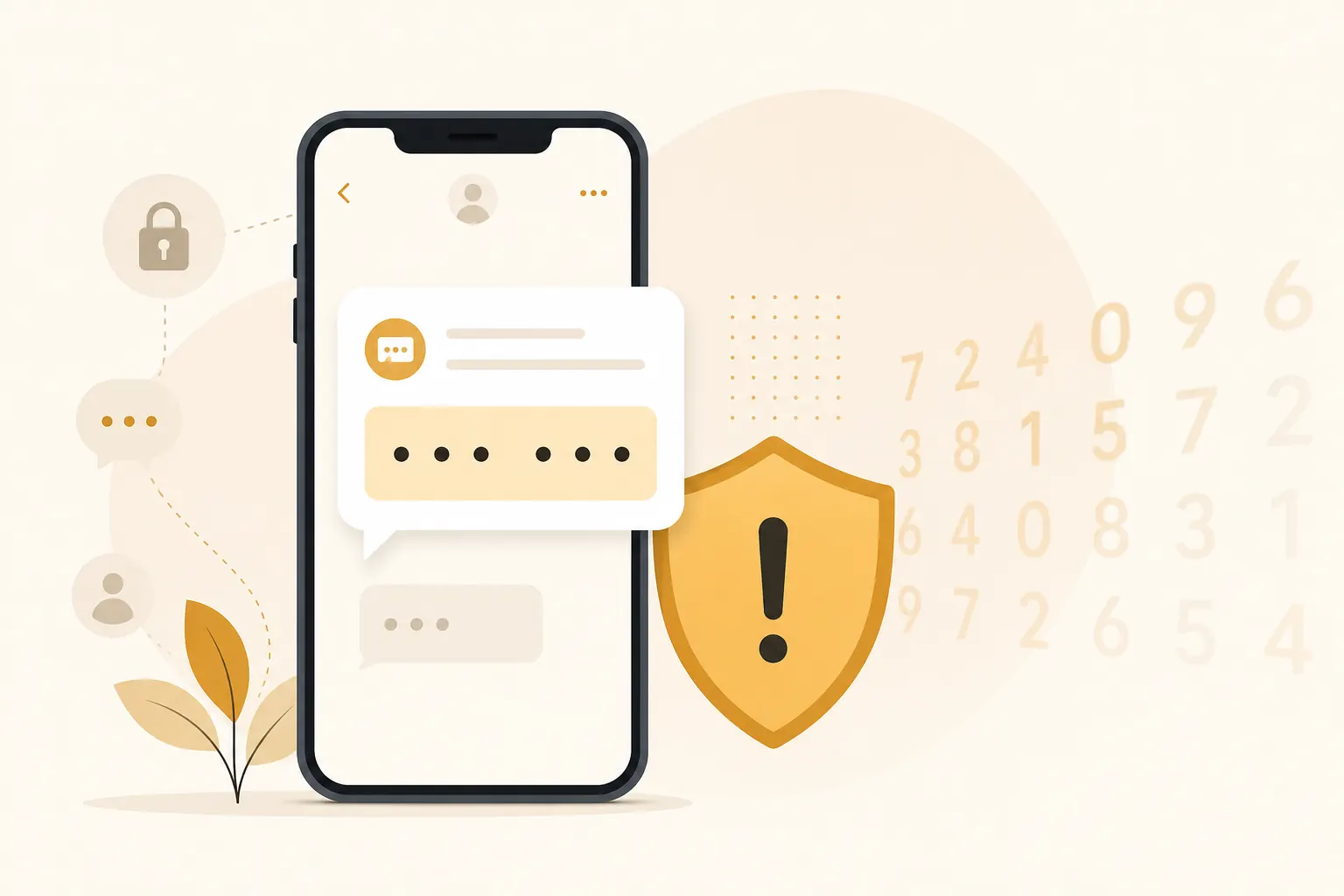
Short answer: An OTP scam (one-time password scam) is when someone tricks you into reading or forwarding a code — often with “please share OTP,” “confirm the code we just sent,” or fake bank/WhatsApp support. Never share it. If you already did, hang up, change the password from the official app, revoke sessions, and call your bank or platform using a number you trust. See what to do if OTP is shared in the recovery section below. Marketplace chats that ask for bank/Facebook codes are the same danger — see Facebook Marketplace scam.
One-time passwords (OTPs) are meant to prove you are logging in. Scammers try to trick you into reading those codes out loud, typing them into fake pages, or forwarding them in chat. The code feels temporary and harmless — “it expires in a minute” — which is exactly why the scripts work.
Never share an OTP when...
| Never share an OTP when... | Legitimate OTP use looks like... |
|---|---|
| Someone contacts you first and claims to be support, a recruiter, a buyer, or a friend in a panic. | You started the login, transfer, or registration yourself in the official app or site. |
| The caller wants the code “to confirm” something, “cancel” something, or “unlock” something for you. | You type the code into the same service screen you opened yourself. |
| The request arrives with urgency, secrecy, or pressure to stay on the line. | No one needs the code read back to them over a call or chat. |
| A stranger asks you to forward a code that you just received by SMS or email. | The code stays on your device and only proves your own action. |
The rule is simple: if someone else started the conversation, the OTP is not theirs to ask for.
Common OTP scam patterns
Attackers reuse a small set of stories because they keep working.
- Fake bank/support calls asking you to “confirm” a code
- WhatsApp messages from “friends” asking for a code to “activate a device”
- Phishing pages that ask for password + OTP together
- Job or marketplace chats that request verification codes
- Delivery or tax messages that push you onto a fake portal
- “Refund” or “account upgrade” chats that need a code to “release” money
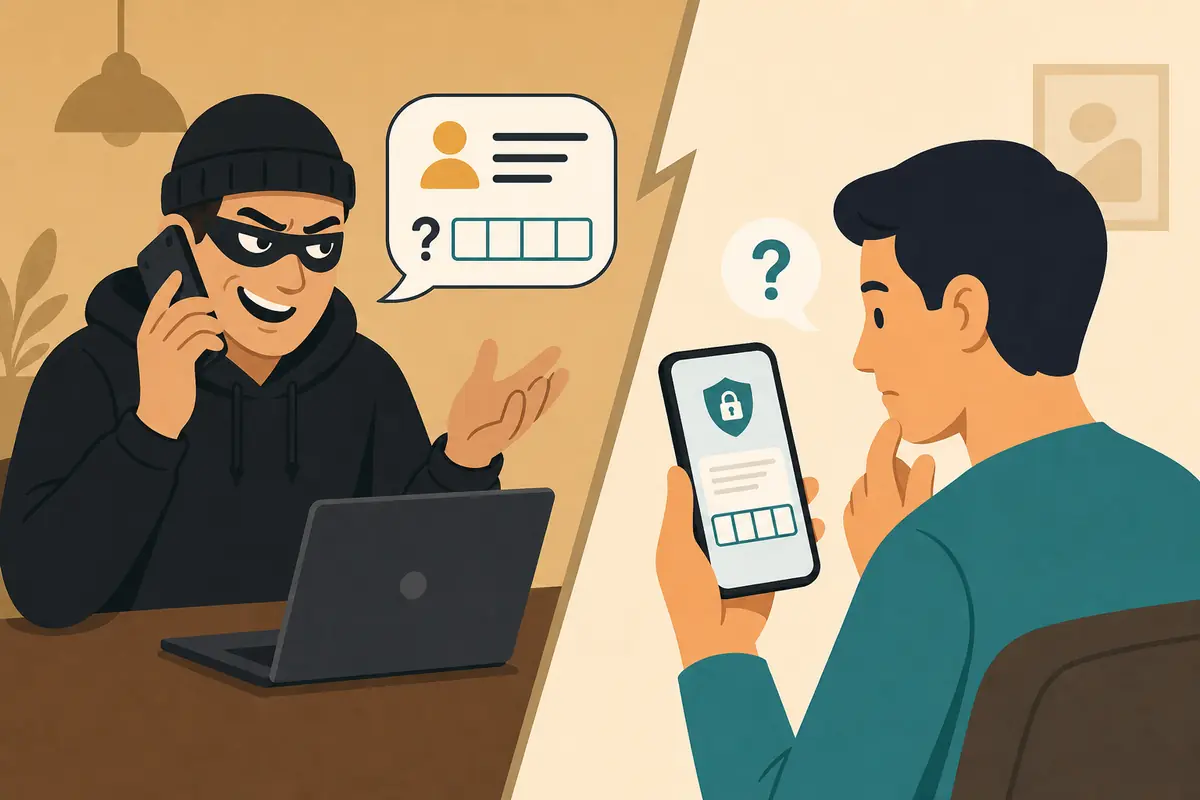
The WhatsApp takeover version
A message arrives from a contact: “Hey, can you send me the code WhatsApp just sent you" My phone died.” Sometimes the contact’s account was already hijacked. Sometimes the scammer spoofed the social context another way. If you share that SMS code, your WhatsApp can move to their device. Then they message your family and coworkers with the same request.
The fake support version
Someone claims to be from your bank, mobile carrier, or workplace IT. They create urgency: fraud, suspension, unpaid invoices, or a locked payroll account. They trigger or wait for an OTP, then coach you to read it. The code is not confirming their identity. It is confirming the attacker’s session.
Why OTPs are so valuable to attackers
An OTP is short-lived, but during that window it can:
- Approve a login
- Confirm a password reset
- Link your WhatsApp to another phone
- Authorize a transaction on some services
- Complete SIM or account recovery steps in certain setups
That is why scammers create urgency. They need you to hand over the code before it expires and before you verify anything independently.
How the technical handoff usually works
In many scams, the attacker has already started a login, reset, or device registration using your phone number, email, or password. The service sends you a legitimate OTP. The attacker cannot finish without that code. Your role in the scam is accidental co-pilot: you supply the missing proof.
That is also why “the SMS looks real” is not reassurance. The SMS often is real. The person asking for it is not.
How OTP scams differ from ordinary phishing
Classic phishing may steal a password on a fake page. OTP scams often add live social engineering:
- Attacker starts a sensitive action
- You receive a real code
- Attacker persuades you the code is for “verification,” “cancellation,” or “helping a friend”
- You share it
- Attacker completes the action
Some campaigns combine both: a fake website collects the password, then immediately asks for the OTP while a helper stays on the phone to keep you calm.
How to respond in the moment
When anyone asks for a code, use a hard stop.
- Do not read the code aloud
- End the call/chat
- Open the official app or website yourself
- Check whether a real login or reset was attempted
- If yes, change password and review sessions
- If a “friend” asked, contact them through another channel you already trust
Step-by-step refusal script
You do not need a clever confrontation. Short is enough:
- “I do not share OTPs. I will contact the company through the official app.”
- Then hang up or block.
- Then verify independently.
Politeness will not make a scam safer. Scammers are trained to keep you talking until the code arrives.
Common mistakes that lead to shared OTPs
- Trusting caller ID alone
- Believing “we already know your details, so this is just confirmation”
- Sharing a code because the person says they work for your bank
- Typing an OTP on a page you reached from an urgent SMS or email
- Helping a contact without calling them back on a known number
- Assuming an expiring code is low risk because it is temporary
- Staying on the line while “checking” the official app — attackers use that time to pressure you
Caller ID can be spoofed. Internal-sounding jargon can be Googled. Urgency is the real payload.
What makes a legitimate OTP use look like
In normal life, you request the login or action yourself, then you enter the code yourself on the same device/session. Nobody from support should need you to dictate the code to them.
Legitimate patterns:
- You open the bank app and request a transfer; the app asks for a code you enter into the app
- You sign in to email; you open your authenticator and type the code into the real site
- You already started WhatsApp registration on your new phone; the code goes into that screen
Suspicious patterns:
- A stranger starts the story
- They ask you to read the code to them
- They tell you the code cancels fraud rather than approving access
- They ask you to install remote-access software while waiting for codes
What to do if OTP is shared (already gave the code)
Move immediately. Minutes matter.
- Change the account password immediately from a trusted device
- Enable/confirm 2FA
- Sign out other sessions/devices
- Contact the service’s official support through the app/site
- Monitor related email and banking accounts
- Check WhatsApp linked devices if that was the code you shared
- Warn contacts if your chat account may have messaged them
Extra steps by account type
Banking or payment apps: Call the official number on your card or statements, report possible unauthorized access, watch transactions, and ask about freezes if money moved.
Email: Remove forwarding rules, revoke app access, and secure recovery options. Email is often used to reset everything else.
WhatsApp: Confirm two-step verification, check linked devices, and tell family that any new code requests are suspicious.
Work accounts: Notify IT. Attacker access may create invoice fraud or quiet mailbox rules.
Do not pay anyone who contacts you afterward claiming they can reverse the scam for a fee. That is often a second-stage fraud.
Quick answers
FAQ
7 questions
Sometimes via malware or SIM swap, but the most common path is social engineering — tricking you into handing it over. Reducing sharing stops the majority of everyday OTP theft.
Trusted sources
- Report fraud to the FTC
- CISA: phishing guidance
- FTC: how to avoid a scam
- Google: 2-Step Verification
Key takeaways
- OTPs prove control of a login or action — that is why scammers beg for them.
- A real SMS code can still be part of a scam if someone else requested it.
- Hang up, ignore chat pressure, and verify in the official app yourself.
- Never share codes with support callers, recruiters, buyers, or panicked “friends.”
- If you already shared one, reset passwords, revoke sessions, and secure related accounts immediately.
Was this guide helpful?
Tap like or dislike — one vote per visitor.
Comments
Share a tip or question. Keep it practical — no spam, links farm, or personal data dumps.
- Loading comments…